How to Publish WordPress Posts with OpenClaw
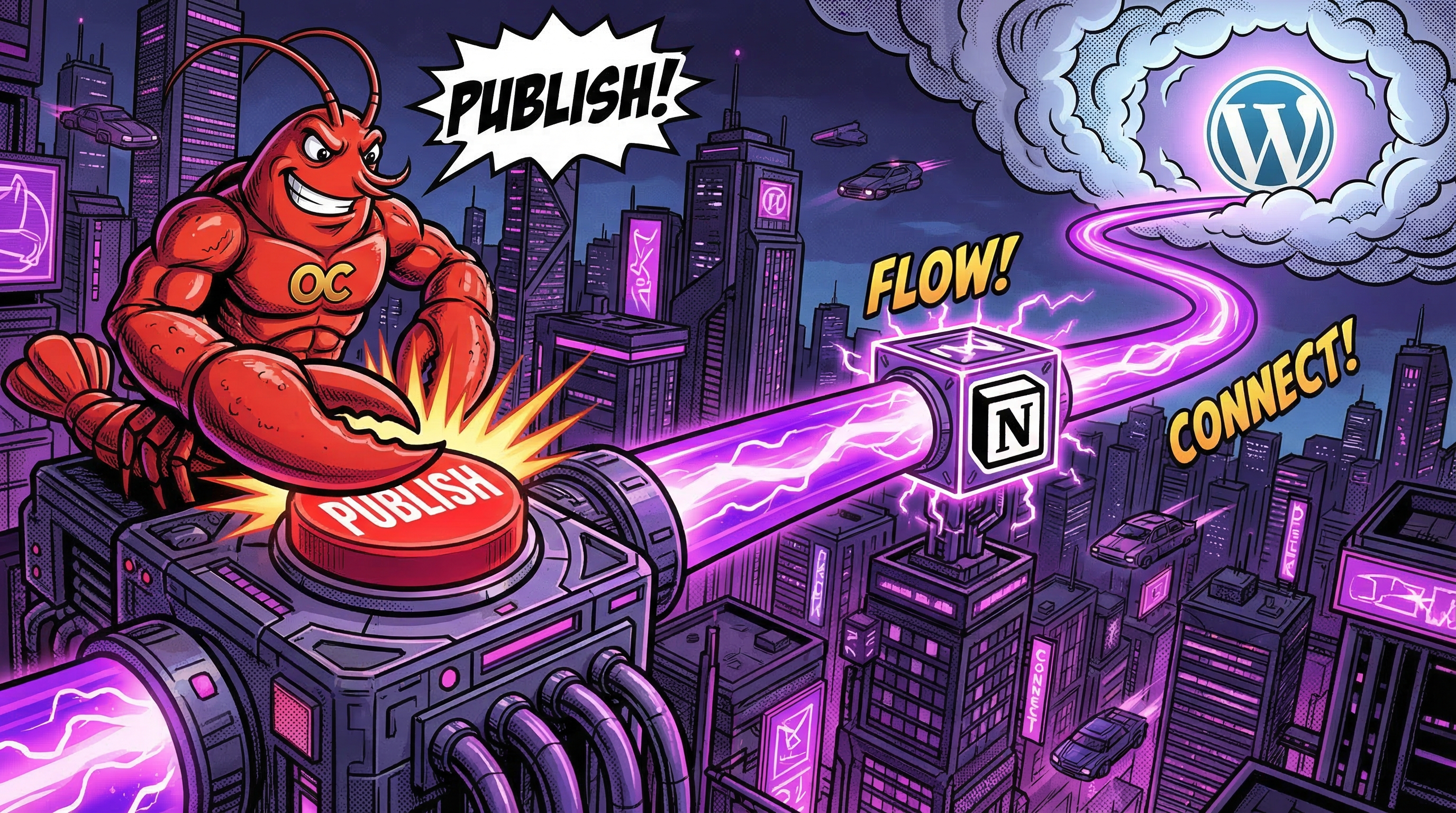
AI agents are getting good at writing. The missing piece is publishing — getting the generated content from the agent into WordPress with proper formatting, images, and SEO metadata. Most solutions require you to string together Notion APIs, WordPress APIs, image uploads, and SEO plugins yourself. Notipo handles the entire pipeline with a single API call.
This guide shows how to use OpenClaw, the viral open-source AI agent framework, to publish WordPress blog posts through Notipo. The same approach works with any AI agent or HTTP client — Claude Code, n8n, Make, custom scripts, or anything that can send a POST request.
Why Use Notipo as Your Publishing Engine
Without Notipo, an AI agent that wants to publish to WordPress needs to handle: Notion API authentication and page creation, markdown-to-Gutenberg block conversion, downloading and re-uploading images to the WordPress media library, generating a featured image, setting SEO metadata across different plugins (Rank Math, Yoast, SEOPress, AIOSEO), and managing post statuses. That's dozens of API calls and edge cases.
With Notipo, the agent sends one POST request with a title and body. Notipo creates the Notion page, converts the markdown, uploads images, generates a featured image, sets SEO metadata, and publishes to WordPress. The agent doesn't need Notion or WordPress credentials — just a Notipo API key.
Prerequisites
- A Notipo account with Notion and WordPress connected
- Your Notipo API key (Settings → Account in the dashboard)
- An AI agent that can make HTTP requests (OpenClaw, Claude Code, n8n, or any tool)
The API Endpoint
Everything goes through POST /api/posts/create. For best results, include all fields — the more context you give, the better the output:
curl -X POST https://app.notipo.com/api/posts/create \
  -H "X-API-Key: your-api-key" \
  -H "Content-Type: application/json" \
  -d '{
    "title": "10 Productivity Hacks for Remote Developers",
    "body": "## Introduction\n\nRemote work is here to stay.\n\n## Time Blocking\n\nDedicate focused hours to deep work.",
    "category": "Productivity",
    "tags": ["remote-work", "productivity"],
    "seoKeyword": "productivity hacks remote developers",
    "imageTitle": "Productivity Hacks for Developers",
    "slug": "productivity-hacks-remote-developers",
    "images": [
      { "query": "remote developer workspace", "afterHeading": "## Introduction" },
      { "query": "time management calendar", "afterHeading": "## Time Blocking" }
    ],
    "publish": true
  }'
What Notipo Does With That Request
- Creates a Notion page with the title and markdown body converted to Notion blocks
- Inserts inline Unsplash images after the specified headings (Pro plan)
- Triggers the sync pipeline — Gutenberg block conversion, image downloads, WordPress media uploads
- Generates a 1200×628 featured image with the category background and title overlay
- Applies SEO metadata — focus keyword, title, description — to Rank Math, Yoast, SEOPress, or AIOSEO
- Creates a WordPress draft or publishes live, depending on the
publishflag
The agent gets back a jobId immediately. Processing happens in the background — fire and forget.
Using OpenClaw
OpenClaw agents can make HTTP requests as part of their task execution. To publish a blog post, the agent generates the content (title, body, SEO keyword, category selection) and sends it to the Notipo API in a single call. No WordPress plugin, no Notion SDK, no image manipulation library needed.
The agent can also fetch available categories and tags from Notipo first (GET /api/categories and GET /api/tags) to make informed decisions about post categorization instead of hardcoding values.
Using Claude Code
Claude Code can publish to WordPress through Notipo using a simple curl command. Ask it to write a blog post on a topic and publish it:
# In Claude Code, just ask:
# "Write a blog post about Docker best practices and publish it to my WordPress site"
#
# Claude Code will:
# 1. Generate the content
# 2. Call the Notipo API with curl
# 3. Report the job status
Since Claude Code has shell access, it can call the Notipo API directly. Set your API key as an environment variable and Claude Code can publish posts as part of any workflow.
Using n8n with AI Agents
n8n's AI Agent node can generate content using OpenAI, Claude, or any LLM, then send it to Notipo in one HTTP request. The workflow is four nodes:
- Trigger — schedule, webhook, or manual
- HTTP Request — fetch categories and tags from Notipo
- AI Agent — generate title, body, SEO keyword, category, tags
- HTTP Request — POST /api/posts/create
See the n8n integration guide for importable workflow JSON and detailed setup instructions.
Checking Job Status
If your agent needs to confirm the post was published successfully, poll the jobs endpoint:
curl https://app.notipo.com/api/jobs?limit=1 \
  -H "X-API-Key: your-api-key"

# Response includes:
# - status: COMPLETED or FAILED
# - result.wpUrl: the live WordPress URL
# - result.steps: what the pipeline did
For most use cases, fire-and-forget is fine — Notipo sends failure notifications to your configured webhook (Slack or Discord) if anything goes wrong.
The Full Pipeline
Here's what a fully automated AI blogging pipeline looks like with Notipo:
- AI agent generates content — title, body (markdown), SEO keyword, category, tags, image descriptions
- Agent calls Notipo API — one POST request with all the data
- Notipo creates Notion page — markdown converted to Notion blocks, stored in your database
- Notipo syncs to WordPress — Gutenberg blocks, image uploads, featured image, SEO metadata
- Post goes live — or stays as a draft for human review
Your Notion database becomes the content archive — every AI-generated post is stored there with the original formatting, so you can review, edit, and re-sync at any time. The WordPress post links back to Notion, and Notion links to WordPress. For a deeper look at using Notion as your CMS, see Notion CMS: Can You Use Notion as a Content Management System?
Getting Started
Sign up for Notipo (free, 7-day Pro trial), connect your Notion database and WordPress site, then grab your API key from Settings → Account. Point your AI agent at POST /api/posts/create and you're publishing.
For detailed API documentation, see the API introduction. For n8n-specific workflows, see the n8n integration guide. To compare all the ways to publish from Notion to WordPress, read Notion to WordPress: 4 Ways to Publish Automatically.
Ready to publish from Notion?
Set up in 5 minutes. Free plan available — no credit card required.
Get Started Free